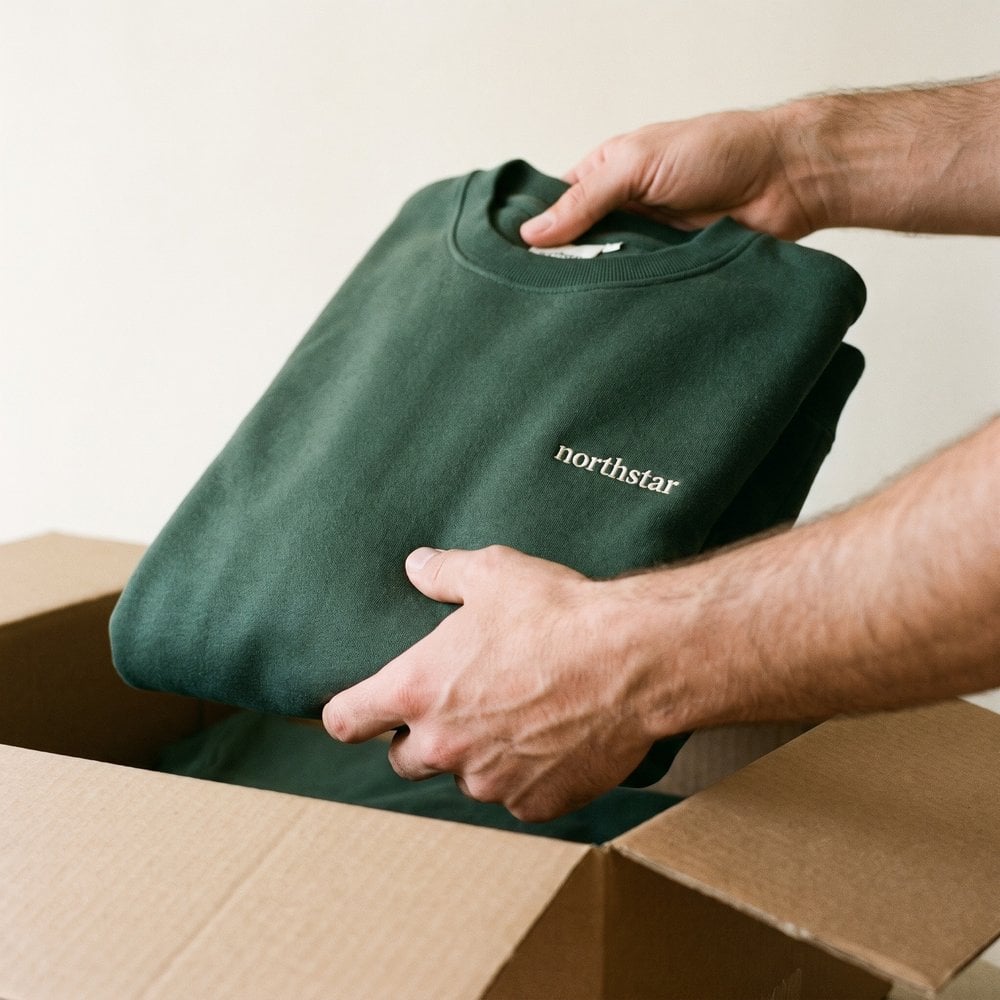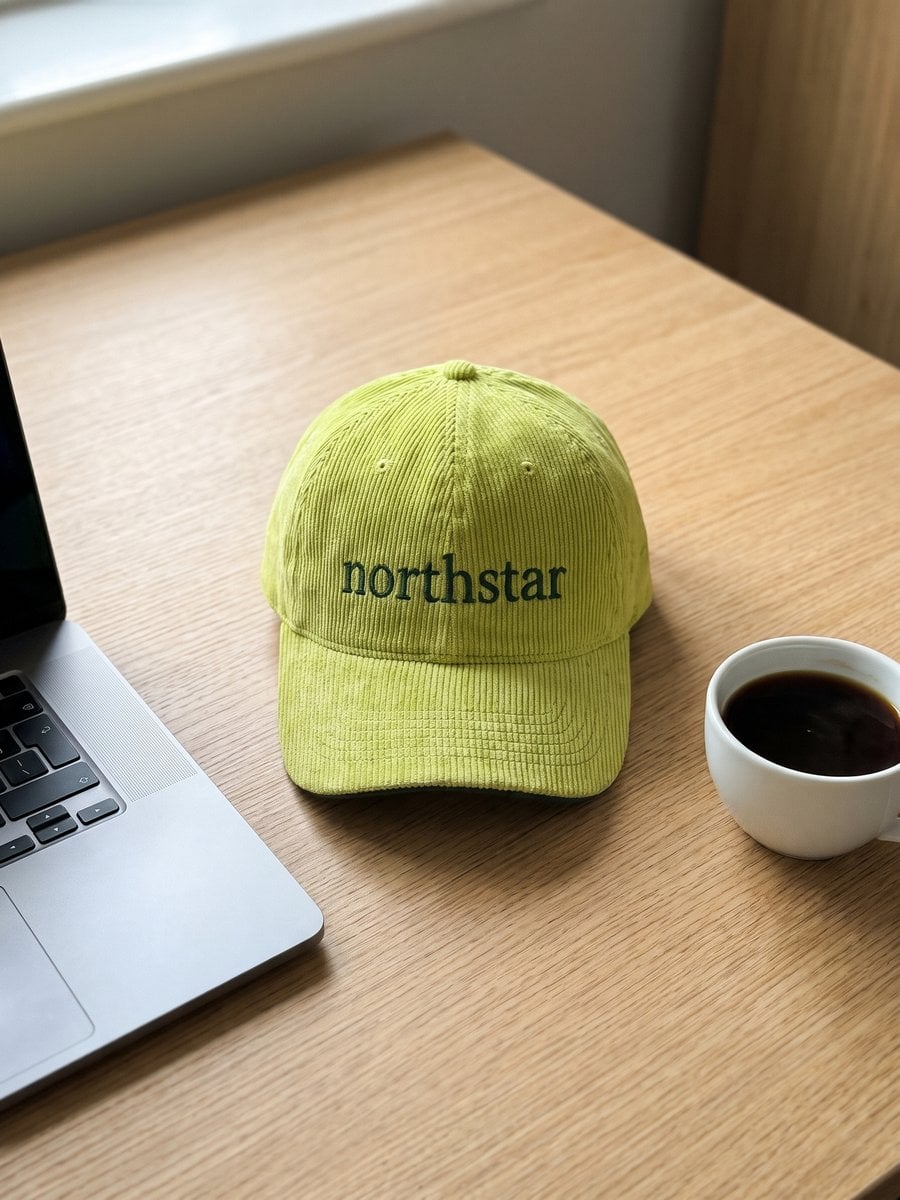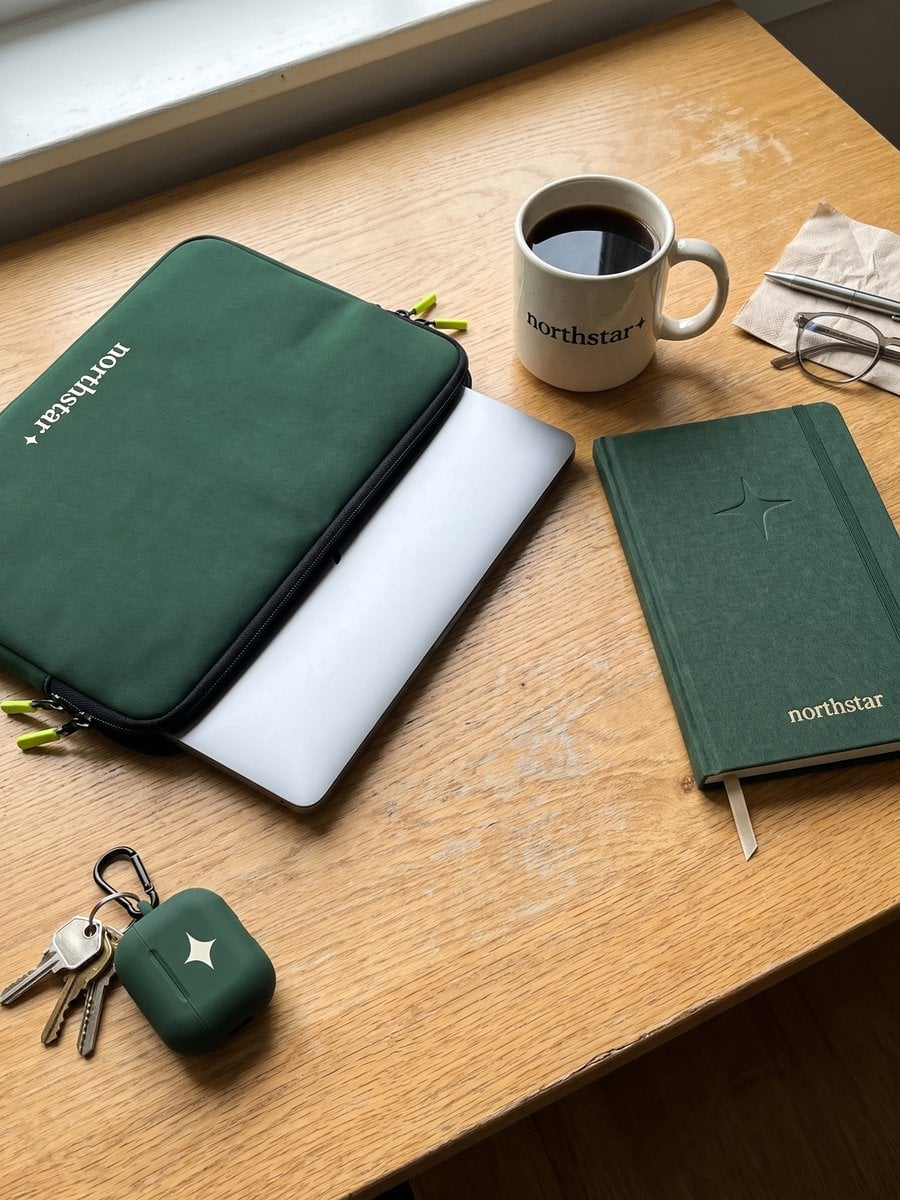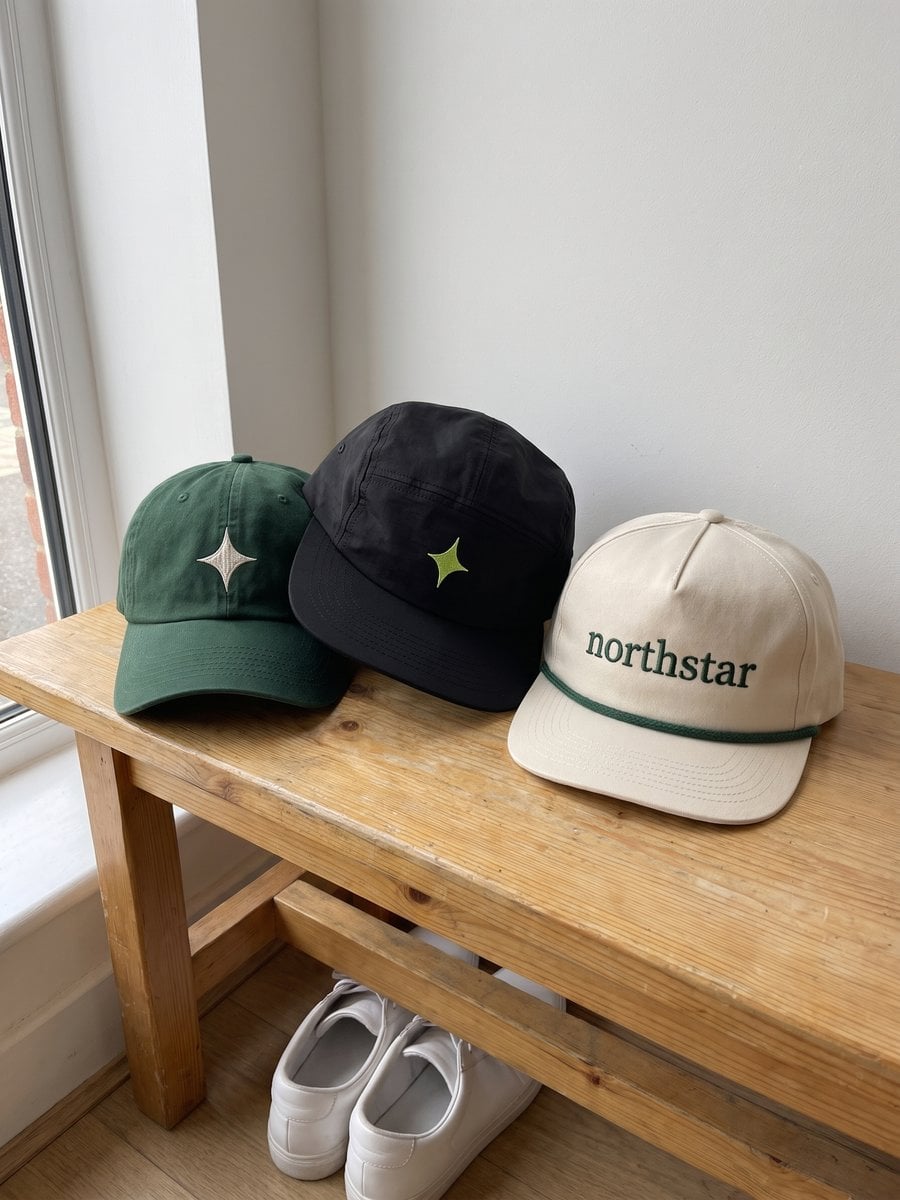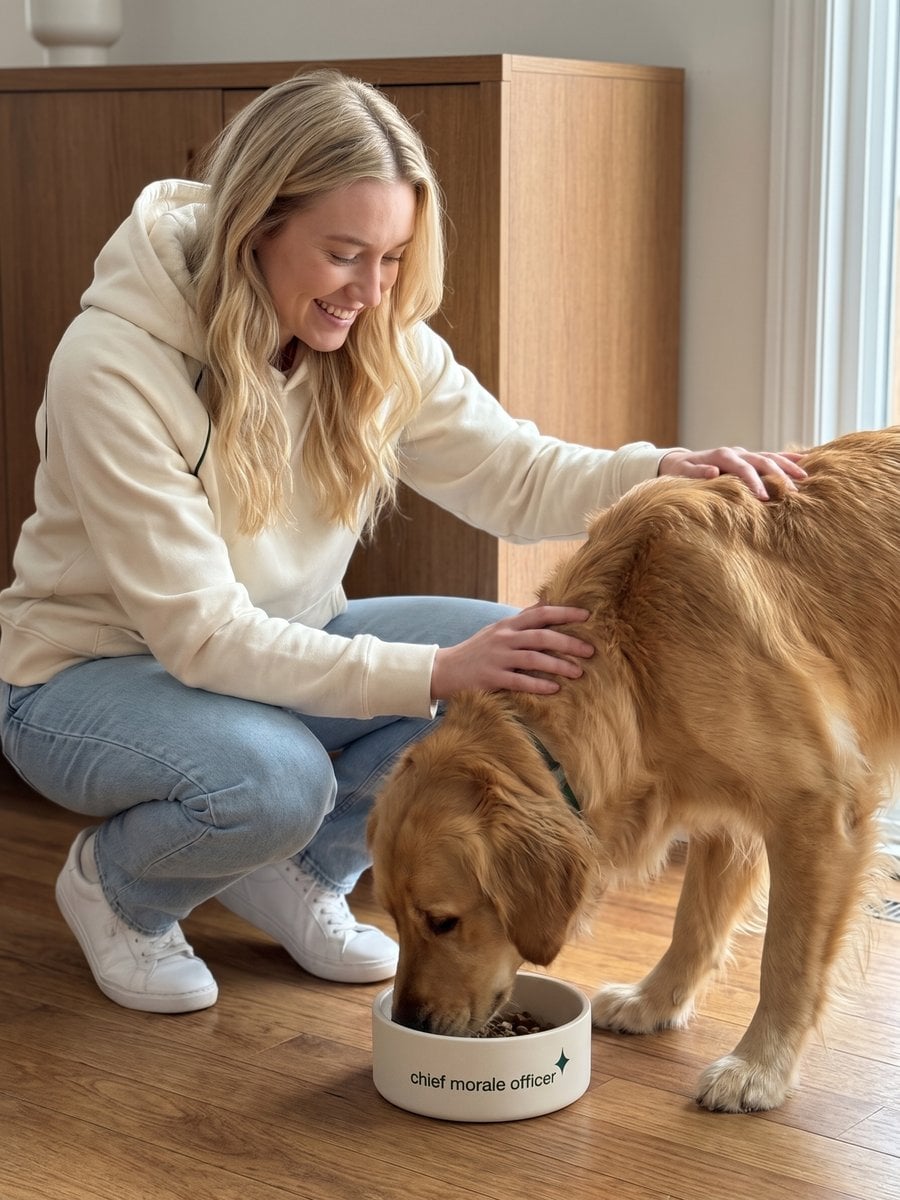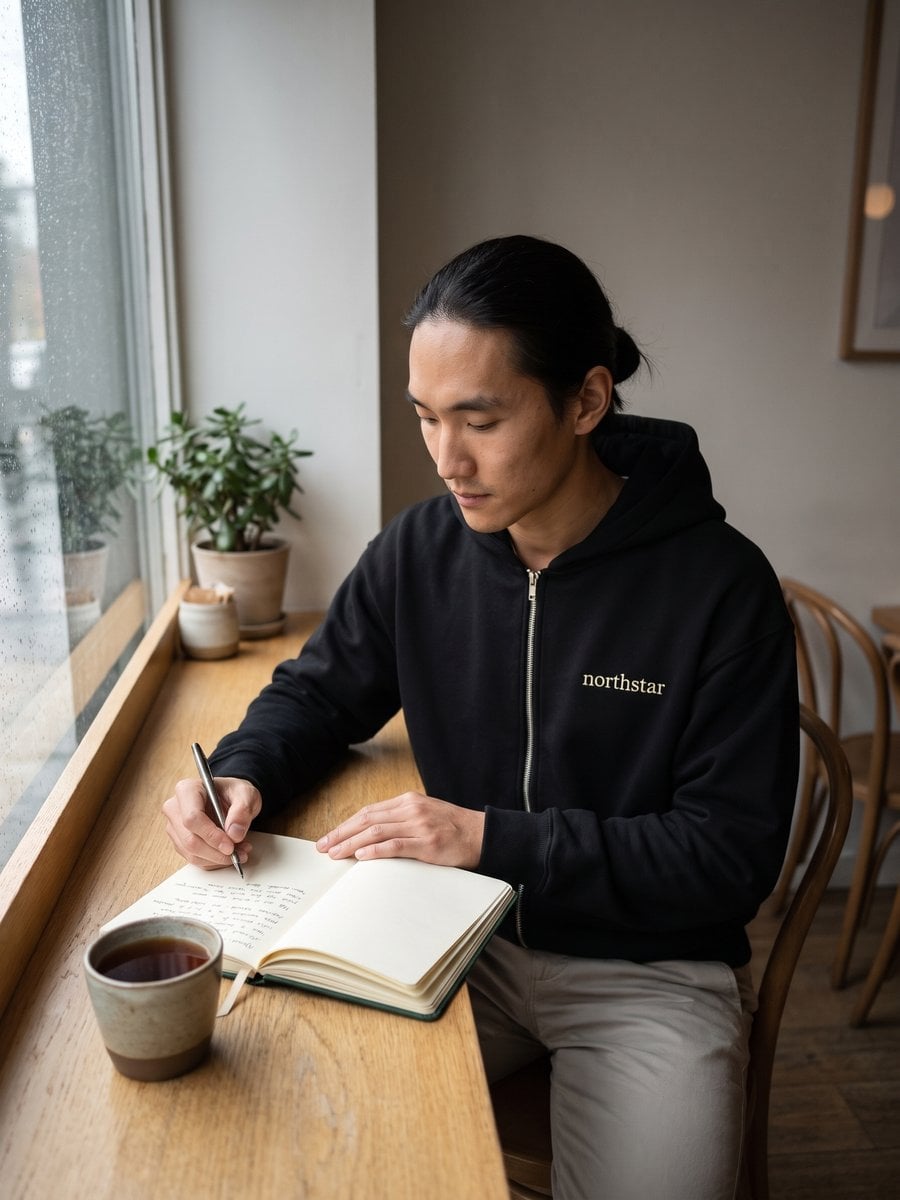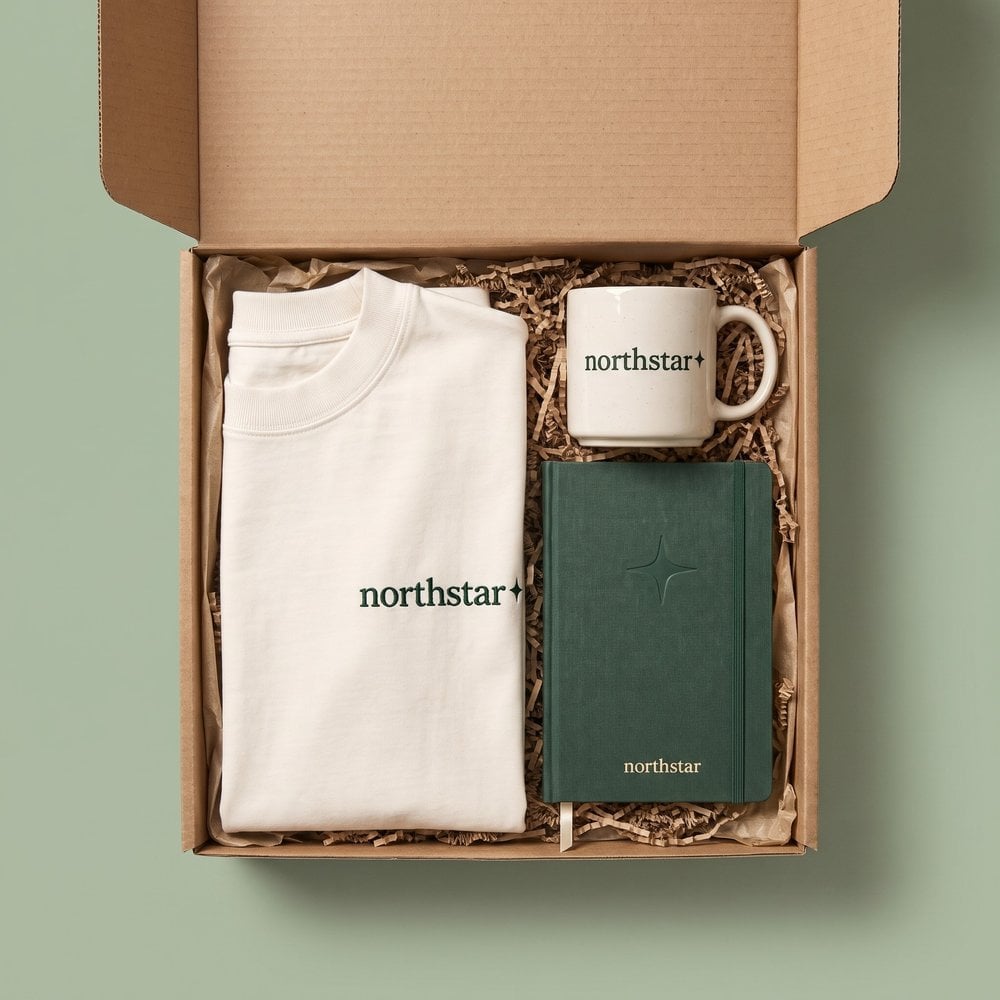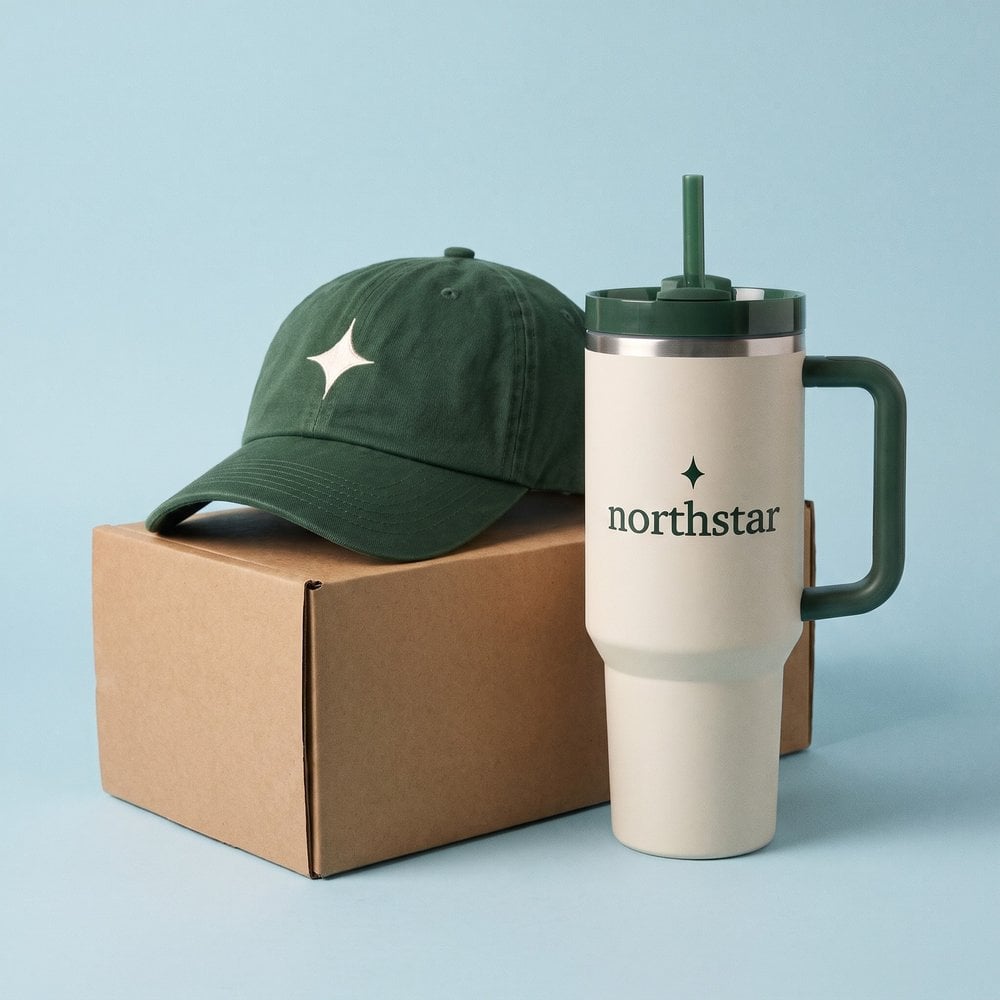
The usual advice for choosing an AI product design tool is to compare how quickly it produces attractive concepts. For physical goods, that's the wrong starting point. A hoodie that looks convincing on screen still needs the right blank, reproducible decoration, approved artwork, and a named person who authorizes the order.
Judge the tool by what your team can manufacture on-brand at scale, not by how many images it generates. The useful question is whether a People, marketing, or events owner can move from a company brief to a product someone can wear, without leaving the supplier to guess.
Table of Contents
- What an AI Product Design Tool Is
- Capabilities That Make a Design Manufacturable
- Merch and Enterprise Workflows in Practice
- How to Score an AI Product Design Tool
- Integrations That Keep Brand and Ops Aligned
- Why Faster Generation Is Not Production Ready
- Pilot One Program Before You Scale
What an AI Product Design Tool Is
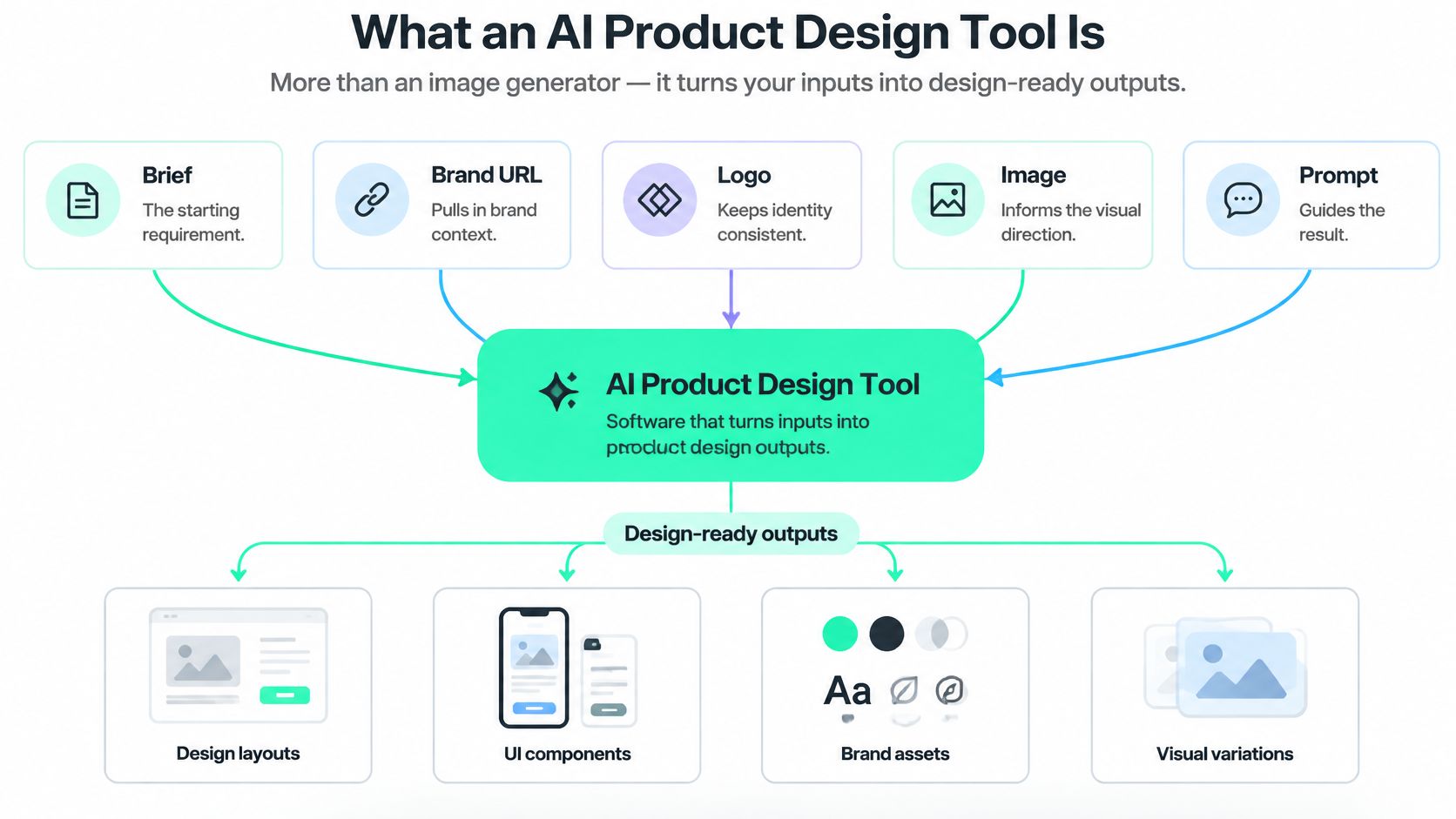
An AI product design tool isn't an image generator with a product label. For a physical-goods program, it's software that takes a brief, brand URL, logo, image, or prompt and returns product concepts held to stated constraints. A person then approves, revises, or rejects those concepts before anything is made.
Say a People Ops manager needs an onboarding collection. Uploading a logo and asking for something modern might produce appealing artwork, but it doesn't establish which garments are available or where the decoration can go. A useful tool makes those choices visible rather than hiding them inside a polished rendering.
Think of it as a fast junior designer who can cover a wall with options. The design lead still needs to check logo placement, color, material, and fit before a factory sees the file.
The layers between a prompt and a product
- Intake: Capture the brief and approved brand assets, including requirements the model must not reinterpret.
- Constrained generation: Create options within the permitted palette, garment selection, sizing, and decoration area.
- Human release: Give a reviewer enough information to approve sampling or production, request changes, or stop the design.
The distinction is visible in the relationship between inputs and outputs.
Enterprise adoption makes this a purchasing question, not just a creative experiment: McKinsey's 2024 global survey found that 65% of respondents said their organizations regularly used generative AI in at least one business function, nearly double the share ten months earlier, while 72% reported AI use in at least one function, compared with approximately 50% annually over the preceding six years.
That adoption doesn't mean every tool is suitable for commercial production. An accessible generator can help a team explore a direction without supplying the controls needed to order it responsibly.
Buying principle: Choose the shortest dependable path to an approved physical product, not the shortest path to an image.
The practical evaluation runs from a capability map through merch workflows, a scorecard, integrations, production readiness, and a bounded pilot. Speed matters only when the resulting product survives that whole path.
Capabilities That Make a Design Manufacturable
Start with the work your supplier will eventually need to perform. If a marketing manager requests an embroidered sweatshirt, the system should preserve the selected blank, artwork placement, and decoration method through review and export. It shouldn't turn embroidery into a printed effect because the rendering looks cleaner.
Manufacturability is a chain of capabilities, not a single export button. Use the following table to distinguish a concept generator from a tool that can support a commercial program.
What an AI product design tool must be able to do
| Capability | Good output | Failure if missing | Production test |
|---|---|---|---|
| Brief intake | Logo, URL, style guide, or written brief with constraints recorded | Vague prompt and no brand source | Reviewer can see the source brief |
| Brand guardrails | On-brand options inside palette, logo, and voice rules | Generic aesthetic that ignores the brand | Output rejected when it breaks a stated rule |
| Spec-accurate preview | Garment or product view with print area, color, and material | Flat mock that cannot be built | Preview matches blank and decoration limits |
| Explore then select | Several candidates kept, followed by human ranking | One auto-picked image | Novelty, fit, and manufacturability scored separately |
| Human approval | Accept, refine, or publish as-is with version history | Autonomous publishing | No file reaches a supplier without a named approver |
| Manufacturing handoff | Supplier-ready file and production rules | Pretty image treated as an order | Spec survives sampling without a redraw |
The first failure often happens before generation. A website might show campaign colors alongside the corporate palette, so the reviewer must identify which assets govern the collection. Recording the source doesn't remove judgment. It makes that judgment inspectable.
Brand controls then need to constrain the result, not merely influence its style. A logo extending outside a permitted print area should trigger rejection or correction, even if the overall composition looks appealing.
A preview must explain what will be made
A useful apparel mockup generator should help reviewers assess placement on the actual product shape. A chest graphic, sleeve mark, and embroidered cuff aren't interchangeable surfaces. Fabric texture and seams can also change whether a proposed detail is practical.
Keep exploration separate from selection. Preserve alternative concepts, then ask reviewers to judge creative interest and production feasibility independently. Otherwise, an attractive first result can become the default because nobody retained the alternatives.
At FLYP LTD, our AI generates production-ready, on-brand collections from your logo, site, or brand guide, inside your guardrails. The customer's constraints remain the starting point rather than an optional styling suggestion.
The economic opportunity is substantial: McKinsey's analysis of generative AI in physical product design estimated approximately $60 billion in productivity opportunity in product research and design, with broader potential equivalent to 10%–15% of overall research-and-development costs.
Those are potential productivity gains, not guaranteed savings from buying software. To capture value, a team needs fewer unresolved decisions at handoff, not merely more concepts waiting for someone to repair them.
Merch and Enterprise Workflows in Practice
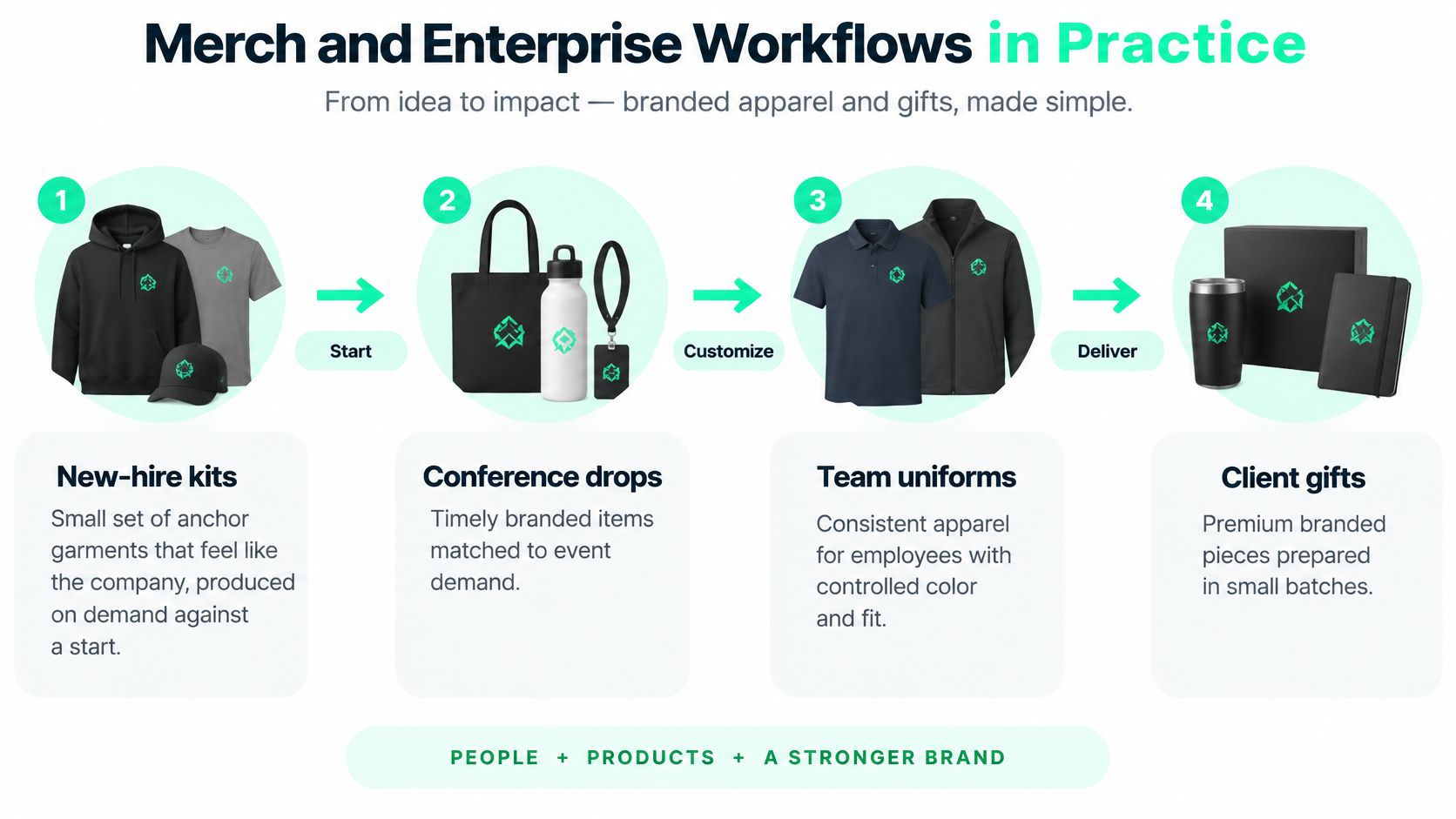
The design decision changes with the program. An onboarding kit needs dependable availability and appropriate fit. An event drop needs a confirmed recipient choice before its delivery deadline. Treating both as requests for fresh artwork misses the operational difference.
Design around the recipient's moment
New-hire kits. Say a People team wants a recognizable welcome collection without predicting everyone's size months ahead. Choose a small set of anchor garments, then produce against the employee's start date. Our integrations with major HRIS providers support onboarding-triggered kits, while the program owner decides which collection is appropriate.
Recognition moments. A manager wants to mark a team achievement without commissioning a full creative project. A short, controlled drop can offer a distinct design while retaining the company's established garments and palette. The trade-off is deliberate: less unrestricted invention, less approval work for the manager.
Event drops. Attendees confirm size, fit, and style through a branded micro-portal before the event. Personal names and event marks belong only on surfaces that support the intended decoration. The events owner signs off on personalization rules rather than letting each request become a custom production problem.
Employee-choice stores. Employees choose what they'll wear, but the company chooses the available SKUs, colors, and price tiers. Choice works best inside a curated catalog, not across every item the model can decorate.
Related merch programs follow the same controlled route from customization to delivery.
Generate breadth, then make a deliberate choice
A controlled study of 32 design students found that a combined text-and-image workflow received higher expert ratings for problem framing, mechanism, creator perspective, and evaluator perspective, while human-only work scored higher for innovation and proposed solution strategies. That's a reason to use AI for structured exploration, not to equate its preferred concept with the most original answer.
For each program, make garment-accurate views, decoration boundaries, and logo and color checks part of the decision. The named approver should see the product the recipient will receive, not just the artwork floating above it.
Our AI selects garments from 600+ blanks and generates production-ready designs, typically in under a minute. AI-designed company swag is offered with no minimums, which lets a program start without committing to a warehouse quantity.
Confirm the selected catalog, decoration, and delivery requirements in the program scope before relying on them for an event. These programs become difficult when the catalog is uncurated, not when concept generation takes a little longer.
How to Score an AI Product Design Tool
A convincing demo can conceal an unusable workflow. Give competing tools the same company brief and ask each vendor to complete the path to a reviewable production file. Don't let a presenter substitute a prepared showcase when your test exposes an awkward constraint.
A systematic review of 73 implementation papers on AI-enabled design tools found that 33 studies used quantitative algorithmic metrics, 37 collected qualitative user feedback, and 9 directly compared human and AI performance, without establishing a general performance advantage for either. A procurement scorecard should likewise combine output quality, user experience, and the work humans must still perform.
Scorecard for an AI product design tool
| Measure | What to record | Pass signal |
|---|---|---|
| Output validity | Repeat the same brief twice | Logo, color, and print area stay stable |
| Task time | Minutes from brief to reviewable file | A reviewer can decide in one sitting |
| Usability | Who completes the task | A non-designer finishes without a specialist |
| User satisfaction | Reviewer rating of wearable or shippable result | Majority would approve for a real recipient |
| Human-review effort | Exceptions caught per batch | Exceptions are flagged, not hidden |
| Brand safety | Who can publish and which assets are allowed | Off-brand output cannot be ordered |
| Traceability | Prompt, brief, and version stored | Any file can be tied back to an approver |
Output validity doesn't mean identical compositions. You can welcome different layouts while requiring the same approved logo, garment color, and decoration boundaries. Separate creative variation from factual drift.
Measure task time through the point where a reviewer can make a decision. A mood board produced quickly doesn't pass if a designer must reconstruct it before anyone can assess production.
Make the demo expose the difficult work
Ask a People or events owner to complete the task without the vendor operating the interface for them. Watch where they hesitate, which terms they misunderstand, and whether they can find the rejected version after making changes.
Then ask reviewers whether they'd send the item to a colleague. A visually polished result can still feel inappropriate for everyday wear, overly promotional, or poorly suited to the intended recipient.
- Review effort: Record the exceptions humans catch, including altered lettering, unsupported placement, and unexplained substitutions.
- Permissions: Demonstrate who can release an order and what happens when an unauthorized user tries.
- Physical checks: Assign a person to inspect readable marks, sizing information, and labeling on the sample. A digital preview can't verify the finished item.
Refuse a tool that can show successful designs but can't show a rejected design and the reason it was rejected.
A passing demonstration leaves a named owner, a retrievable prompt and brief, and a sample consistent with the approved preview. A high aesthetic score can't compensate for a missing release record.
Integrations That Keep Brand and Ops Aligned
The hard part isn't keeping work inside a single canvas. It's preserving the approved identity and production decisions as work moves between systems. If a coordinator copies artwork from a chatbot into an image editor and then uploads it to a store, someone must preserve the relationship between those files.
An analysis published by Foundation Capital on how AI is reshaping design describes designers using an average of seven tools, up from three the prior year, and reports internal-tool use among 74% of designers at companies with more than 2,000 employees, compared with 26% at organizations with up to 50 employees. More tools make ownership of the approved record especially important.
Connect the stack in operational order
- Brand inputs: Accept the URL, logo, style guide, or written brief that establishes the intended identity.
- Identity and permissions: Distinguish people who may generate concepts from those authorized to approve designs or release orders.
- HR systems: Pass the onboarding trigger and necessary recipient information without asking a coordinator to reconstruct the program.
- Commerce: Present the company-controlled selection, with administrator-defined garments, colors, and price tiers.
- Fulfillment: Keep shipment status connected to the program, including regional production arrangements where applicable.
- Reporting: Show what was designed, approved, ordered, and returned, rather than merely storing image files.
For a distributed workforce, these connections need a clear division of responsibility. HR owns the employment trigger, the brand owner governs artwork, and the program operator manages the product and shipment. Don't assume that giving everyone access makes anyone accountable.
Keep an authoritative record
Use one system of record for the approved design and its order. Other tools can contribute ideas, but the released version should retain its garment specification, approval identity, and order relationship. Practical brand asset management starts with distinguishing an approved asset from a convenient copy.
Our customers can start with a brand URL, logo, style guide, or another brief. Stores run on a FLYP-managed subdomain by default, and our company swag platform supports on-demand production and region-local fulfillment.
The trade-off is integration discipline versus manual flexibility. Copying files between tools feels easy during exploration, but operations staff need a dependable record when a recipient reports the wrong product.
Why Faster Generation Is Not Production Ready
Industrial adoption illustrates the distance between experimentation and dependable deployment: Engineering.com's discussion of AI in product lifecycle management reports that, in early 2026, 58% of surveyed industrial users were researching or piloting AI, 23% had operationalized it in some areas, and 13% had scaled it across multiple projects.
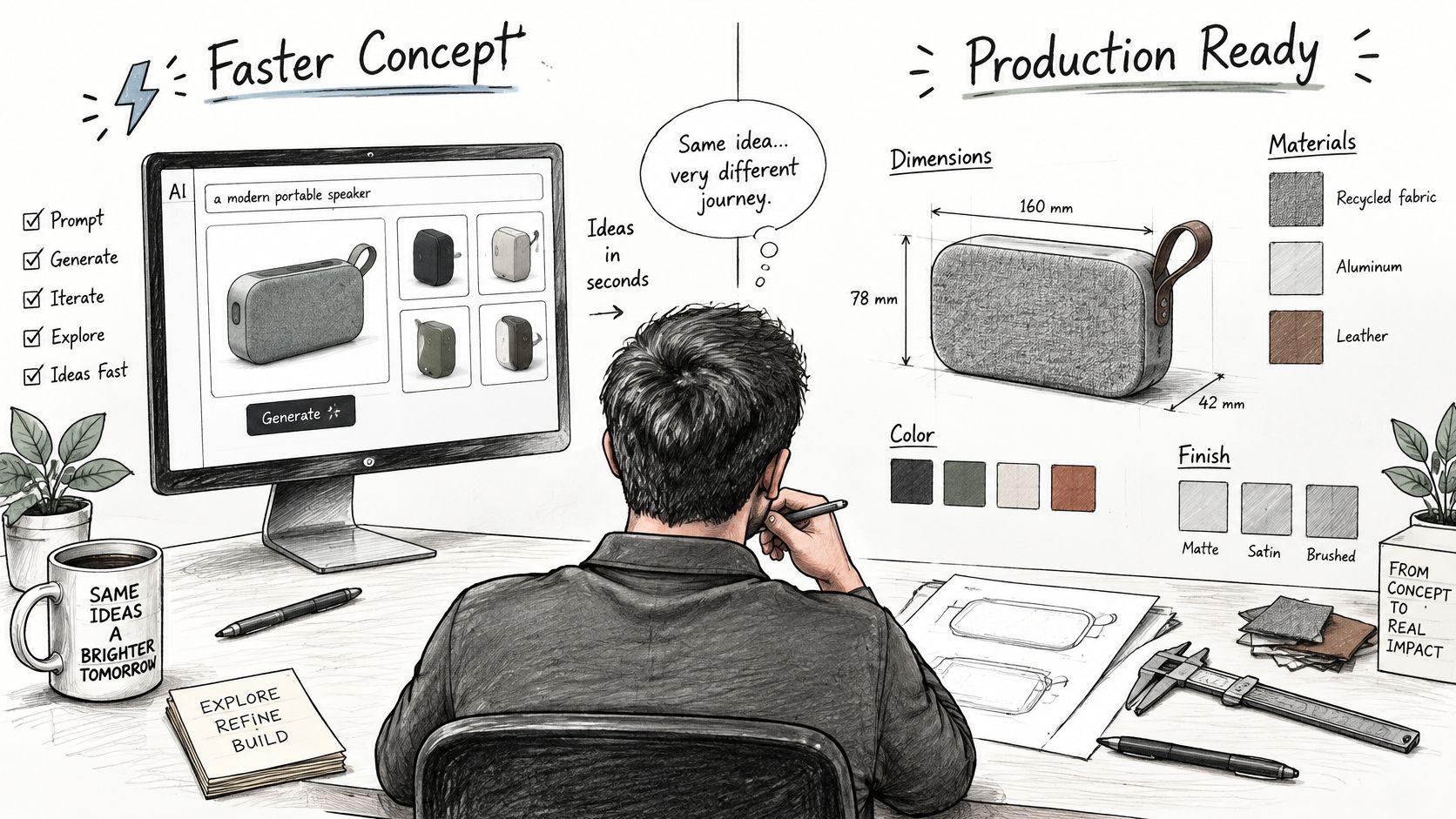
A quicker concept isn't automatically a better product. Before an order, turn the visual proposal into specifications the supplier can act on.
The transition requires more than selecting a preferred sketch.
Ask what happens when the design meets material
A bucket hat and a hoodie can share a logo without sharing a decoration area. Scaling the hoodie artwork onto the hat may push lettering across a seam or make fine detail unsuitable for the chosen process. Approve the adaptation on the hat itself, not merely the reuse of the brand asset.
A global kit introduces a different problem. The regional blank may not be available in the color shown in the original preview. The operator needs a documented substitution decision before production, rather than a supplier choosing the nearest available shade.
- Specification fidelity: Can the workflow retain print size, thread color, fabric, and placement without redrawing them during export?
- Defect ownership: Who inspects the sample, records defects, and supplies the rework history for comparable items?
- Uncertain assumptions: Who decides when the model proposes a construction or decoration detail the supplier can't validate?
- Rights clearance: Who holds rights to generated artwork, and who checks logo, font, and supplier licenses for the intended products and regions?
The following video offers an additional visual reference for considering AI-assisted design.
Treat a changed specification as a new decision
If the blank, material, decoration process, or artwork placement changes, route the change back to the responsible approver. A production partner shouldn't have to infer whether a substitution is close enough for the company.
Release rule: Unexplained manufacturing assumptions are unresolved work, not permission to proceed.
Keep the approved specification, supplier instructions, and inspection outcome together. Faster generation only creates usable capacity when people spend less time resolving preventable production problems. Otherwise, the team has accelerated the arrival of work it still needs to redo.
Pilot One Program Before You Scale
Pilot an onboarding kit or a single event drop, not the whole catalog. Name a program owner in People or marketing and an approver who can reject a design. Applied's guidance can help you scope your AI pilot around a bounded decision rather than an open-ended software trial.
Our first design sprint to a live store takes 3 weeks. Treat the sequence below as a working plan, not a sample-delivery guarantee. The actual order-to-arrival time determines when you can make the final decision.
Three-week pilot sequence
| Step | Activity | Pass signal |
|---|---|---|
| Week 1 | Write the brief with brand URL or logo, allowed colors, anchor blanks, and banned list | Brief is recorded and signed off by an approver |
| Week 2 | Generate options, then approve, refine, or publish as-is | Each file has a named approver and version history |
| Week 3 | Order a small on-demand sample to real addresses, including an international address for a distributed program | Sample matches the preview and order-to-arrival time is recorded |
| Go or no-go | Decide when the sample arrives | Go for manufacturable, traceable files; no-go for redraws, surprise colors, or untraceable orders |
Customers can approve, refine, or publish the generated design as-is. During the pilot, record why reviewers request changes and use structured feedback integration to turn those decisions into clearer instructions.
Make the arrival the decision point
Inspect what arrived, confirm the recipient got the right size, and verify that the approver can still retrieve the original brief. Don't add another program until support, returns, and reprints have a named path.
We ship directly to distributed teams' doors and handle production, fulfillment, tracking, support, returns, and reprints. Keep those responsibilities within the pilot so you test the entire service, not just its design interface.
Go when the product is manufacturable, correct, and traceable. Stop when success requires an undocumented redraw or substitution. Expand the catalog only after the existing gates work.
FLYP LTD offers AI-generated, on-brand merch collections with customer approval and managed production, fulfillment, and support. Visit FLYP LTD to plan a bounded onboarding or event pilot with clear brand constraints, a named approver, and a physical sample as the release test.