A new hire shouldn't have to answer the same question three times before their first day. People Ops may need identity and tax documents, payroll details, benefits choices, policy acknowledgments, equipment requirements, and a welcome-kit preference, while IT, Finance, managers, and merch operations each need different parts of the same record. A well-designed employee onboarding forms workflow collects the right data once, routes it to the right owner, and shows who still needs to act.
This list compares ten supplied platforms by the onboarding job each one solves, its compliance boundary, the administrative handoffs it removes, and how completed data can support equipment, benefits, and employee-choice merch workflows. The comparison also considers form coverage, employee self-service, auditability, automation, pricing transparency, and fit for company size or hiring geography. Regional rules, service boundaries, and vendor capabilities still need verification before rollout. Teams evaluating the category can also use this guide for HR technology buyers to structure broader vendor research.
In the United States, the core onboarding record commonly includes Form I-9 for employment eligibility verification and Form W-4 for federal tax withholding, alongside items such as direct deposit authorization, benefits elections, emergency contacts, and state-specific forms. Employees must complete I-9 Section 1 no later than their first day of employment, and employers must retain the form for the employment period plus three years from the hire date or one year after termination, whichever is longer. HR Cloud's new-hire paperwork guidance explains why these dates make onboarding forms compliance records, not just administrative checkboxes.
Table of Contents
- 1. Gusto
- 2. Rippling
- 3. BambooHR
- 4. ADP Workforce Now
- 5. Paycom
- 6. Paylocity
- 7. Justworks
- 8. Deel
- 9. Greenhouse Onboarding
- 10. OnPay
- Employee Onboarding Forms, Top 10 Platform Comparison
- Turn Completed Forms Into a Reliable Day One
1. Gusto
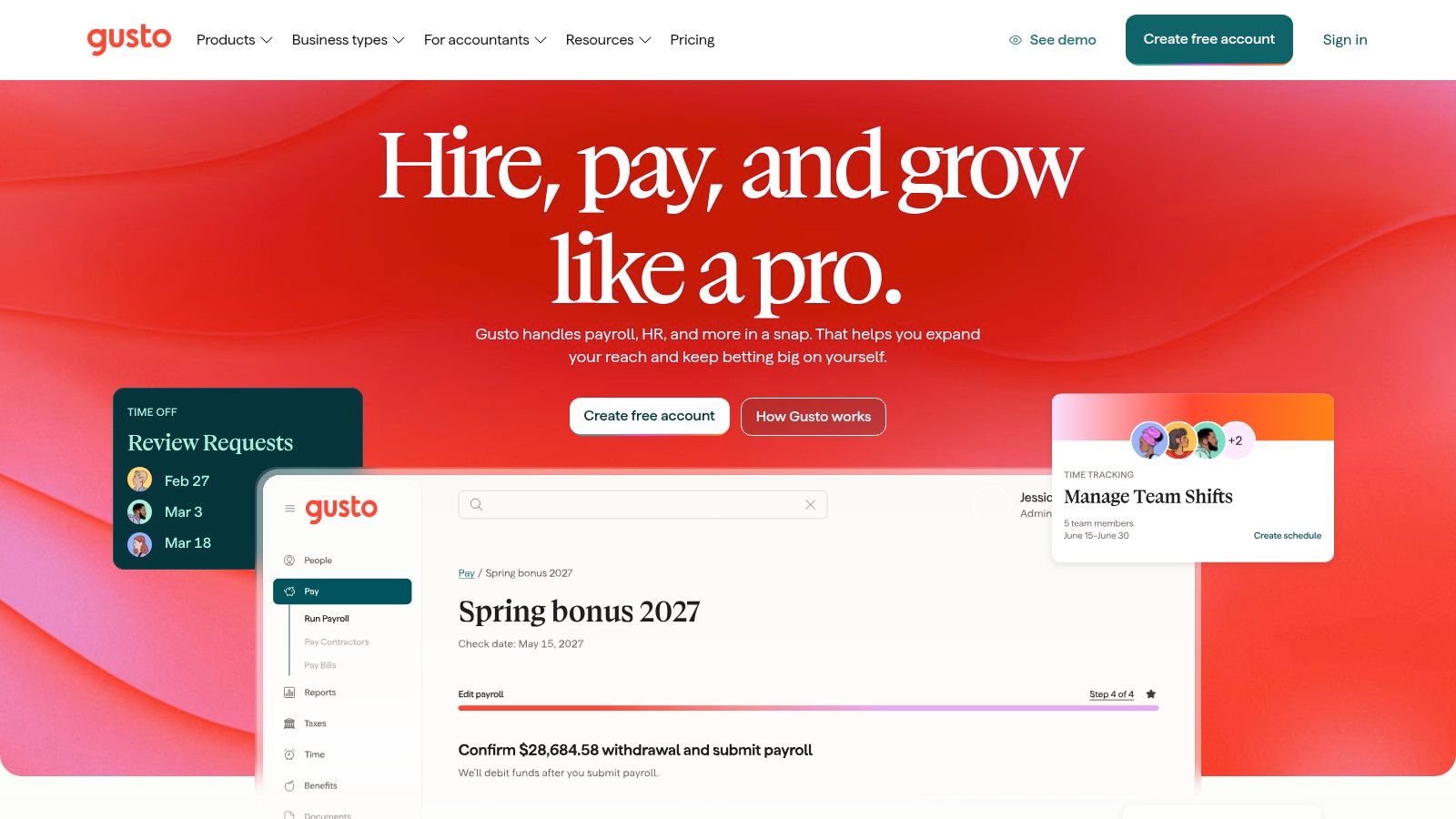
Gusto is built for the People Ops team that wants a guided new-hire flow without assembling a large HR technology stack. Employees can self-onboard, enter banking and tax details, and electronically sign documents such as W-4 and I-9 forms. Where enabled, the workflow can also support E-Verify and state new-hire reporting.
The onboarding job it solves
Gusto's strongest use case is reducing back-and-forth between a new employee and a small HR or payroll team. A guided employee portal gives the hire one place to provide direct deposit information, tax details, and required signatures. Benefits and time-tracking integrations can then use that employee record instead of asking administrators to re-enter basic data.
That creates a practical handoff to payroll, but the workflow shouldn't be mistaken for a universal global onboarding system. I-9 and E-Verify functions are US-specific, and state reporting requirements still need to be checked against the employee's work location.
Where the trade-off appears
Gusto is approachable for startups and SMBs, particularly when the priority is employee self-service and a clean payroll connection. Its help content can also guide administrators through I-9 and E-Verify tasks, which may reduce avoidable completion errors.
The limitation is customization. Government forms such as I-9 and W-4 have prescribed structures, so teams shouldn't expect unlimited redesign. Pricing varies by headcount and add-ons, which means the final comparison should include benefits, time, and other selected modules rather than relying only on a base plan.
Practical rule: Use Gusto when payroll setup is the center of onboarding. Add a separate workflow layer if equipment, role-specific approvals, or employee-choice merch requires more branching than the payroll process supports.
2. Rippling
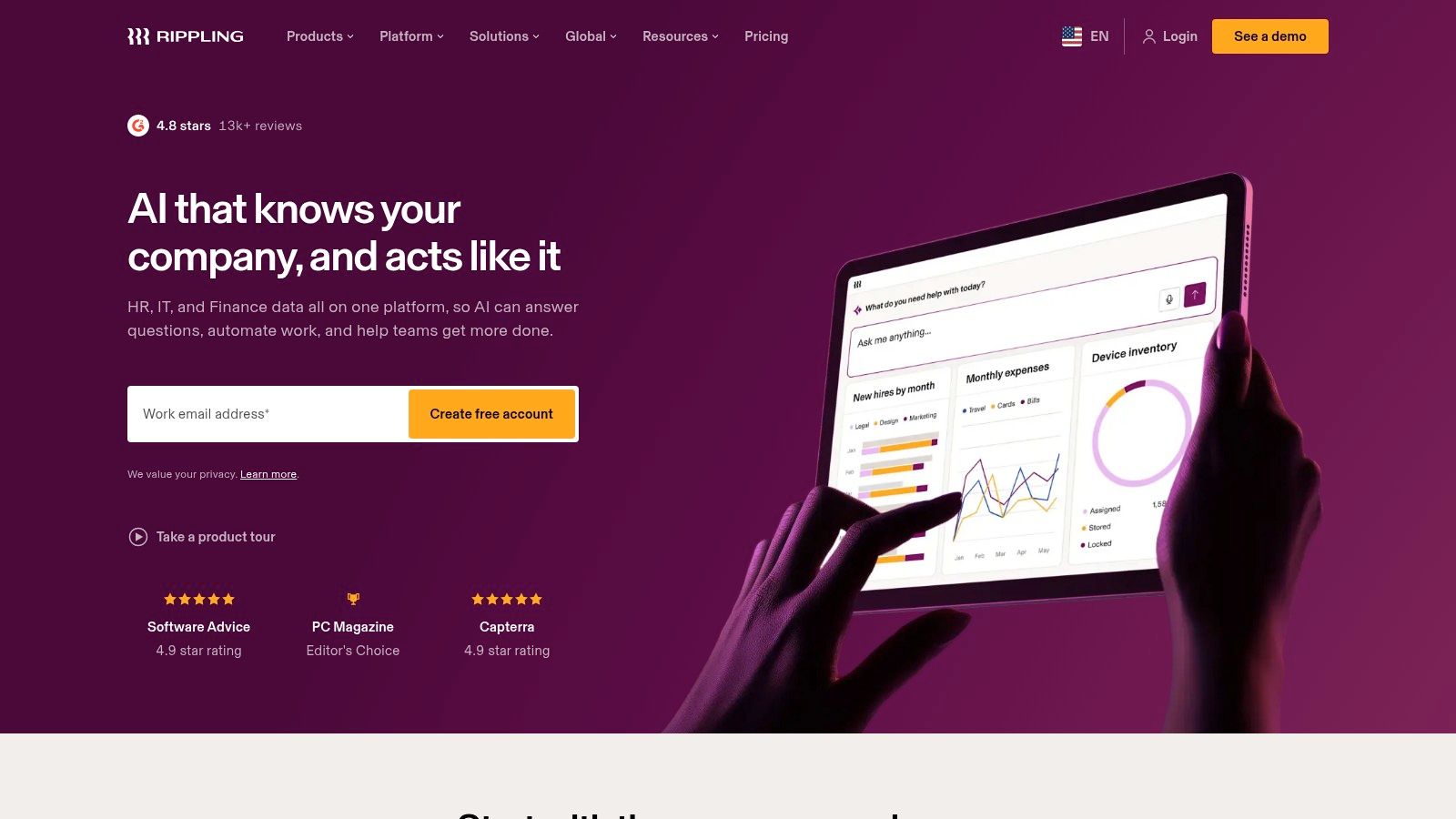
Rippling treats onboarding as an event that should activate several systems at once. A completed hire record can generate an electronic signature packet for tax, compliance, and policy documents, then trigger device and application setup for the incoming employee.
From signed form to provisioned employee
The important distinction is the connection between HR data and IT action. Instead of sending an employee's name, title, start date, and location to IT in a separate message, Rippling can use the hire event to begin provisioning devices and applications. Remote I-9 support tasks and reminders can sit in the same overall sequence, with E-Verify available where the organization is enrolled.
That can remove a particularly costly handoff: People Ops no longer has to tell IT that a form is complete before IT can begin its own checklist. The same principle can support merch operations. A work location, department, role, and delivery address can inform kit eligibility, while a separate size or fit preference form can trigger fulfillment without exposing unnecessary payroll data.
What buyers should inspect
Rippling suits companies that want HR, payroll, IT, and automation in one modular platform. Its depth is useful when onboarding needs to produce more than a personnel file. It can also help organizations standardize what happens after a manager submits a hire.
The trade-off is commercial and architectural. Pricing is typically quote-based and depends on the modules selected, so teams should request a workflow-specific proposal rather than comparing only headline HR software costs. During evaluation, ask which triggers are native, which require configuration, and whether a completed form can create an approval, a device request, an application assignment, and a merch order without duplicate data entry.
3. BambooHR
BambooHR fits teams that want a clean HRIS with guided preboarding, configurable fields, checklists, and electronic signatures. New hires can receive packets that include W-4, state W-4, direct deposit, and company documents, while administrators track which tasks remain incomplete.
The US compliance boundary matters here. BambooHR provides a first-party I-9 and E-Verify automation add-on powered by Mitratech, with audit-ready handling for US customers. That can reduce tool sprawl, but it isn't the same as saying every BambooHR onboarding workflow has identical I-9 coverage in every country. The add-on may require additional budget, and global teams need a separate design for local employment, tax, and consent requirements.
A good fit for structured HR handoffs
BambooHR is useful when People Ops owns the central employee record and wants managers to see a clear onboarding checklist. Configurable fields can capture information needed for equipment, benefits administration, workplace access, or a welcome kit. The key is to route each field to its actual owner. IT may need laptop specifications and delivery timing, Benefits may need elections, and merch operations may need sizing and shipping information. Those shouldn't all become visible to every administrator.
Teams planning the wider process can pair the platform with this new employee onboarding checklist, then decide which tasks belong in BambooHR and which should remain with specialist systems.
The platform's weakness appears when a buyer assumes the base HRIS automatically covers every compliance scenario. Confirm the I-9/E-Verify add-on, US-only boundaries, storage permissions, audit access, and downstream integrations before signing. BambooHR is strongest when it remains the system of record and each specialist workflow receives only the fields it needs.
4. ADP Workforce Now
ADP Workforce Now is designed for organizations that need a mature HCM environment and broad support around payroll and onboarding documentation. It supports digital I-9 and W-4 collection, fillable forms, electronic signatures, and onboarding checklists. E-Verify integrations and broader form coverage can be expanded through the ADP Marketplace.
The job it solves
ADP is a logical candidate for companies hiring across multiple US jurisdictions or operating a more complex payroll environment. Marketplace applications such as EMP Trust can extend federal, state, and local form coverage and support remote I-9 workflows. That ecosystem is valuable when the core platform doesn't contain every specialized workflow a business needs.
It also changes the administrative question. Instead of asking whether ADP alone handles every document, buyers should map the full combination of Workforce Now, selected marketplace applications, and internal owners. A state form may go to payroll, an equipment request to IT, and a welcome-kit preference to a merch partner. The completed onboarding record needs clear routing rules.
Where complexity enters
The breadth of the ecosystem is both an advantage and a risk. Add-ons can provide needed coverage, but they introduce vendor coordination, integration dependencies, and additional commercial terms. Pricing is quote-based and may increase as marketplace tools are added.
Before implementation, test the handoff from recruiting or HR to payroll, then test the handoff from payroll to compliance review. Ask who can access I-9 records, how exceptions are escalated, and whether non-sensitive fields can trigger equipment and kit workflows without copying protected documents into another system. This digital employee onboarding process can help teams define those stages before configuring them.
5. Paycom
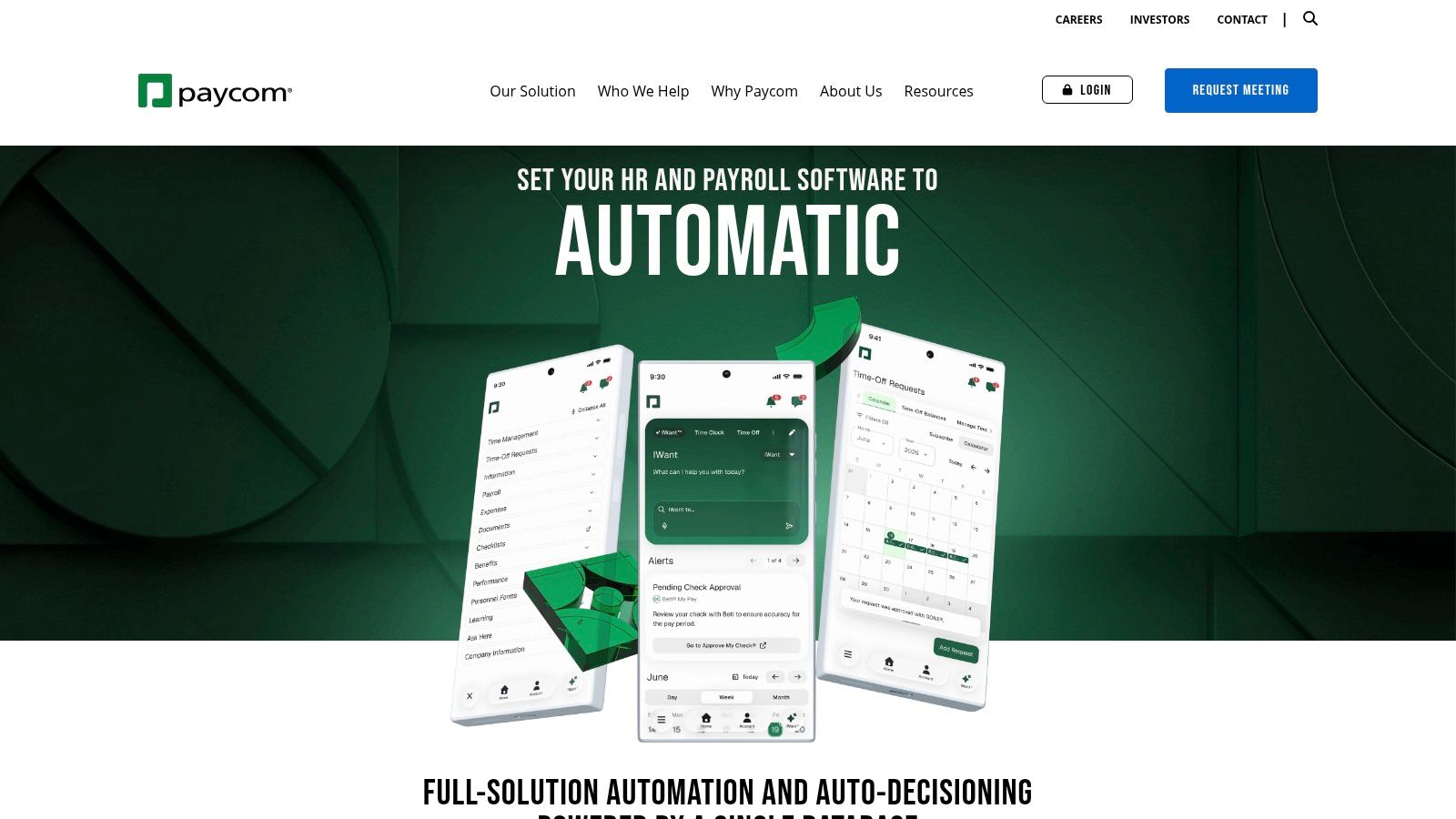
Paycom takes a compliance-forward approach by keeping onboarding, forms, and payroll in one database. New hires can complete I-9 and W-4 documents before day one, while administrators use compliance checklists and dashboards to identify pending actions. Native E-Verify integration supports the US employment eligibility workflow.
Best for visible accountability
Paycom is a strong fit when leaders want a clear view of incomplete forms, manager tasks, and training assignments. A dashboard can make ownership explicit. The manager may need to confirm role-specific training, People Ops may need to review the employee packet, and payroll may need to verify tax information. Each action should have an owner and deadline rather than sit in a shared inbox.
That visibility can also support a kit workflow. Once the employee submits an approved work location and a separate preference form, the system could pass the relevant non-payroll fields to a fulfillment process. The HRIS should not become the place where manufacturing, inventory, or returns are managed.
Compliance does not remove design work
Paycom's enterprise security posture and published certifications may matter to organizations with formal risk reviews. Its compliance guidance and tooling can help teams create a more auditable process, especially when several administrators handle onboarding.
The trade-off is that pricing is custom and implementation is handled per customer. A buyer should ask for a demonstration using actual exception scenarios, such as an incomplete I-9 task, a changed start date, a manager who hasn't reviewed an assignment, or an employee who needs a different kit destination. A polished happy-path demo won't reveal whether the system handles those operational edges cleanly.
6. Paylocity
Paylocity combines payroll and HR onboarding with guided employee wizards, configurable content, checklists, and engagement features. Its onboarding workflow emphasizes centralized I-9 and W-4 collection, E-Verify, and state or local variants, making it relevant to mid-market organizations with varied hiring requirements.
The practical strength
Guided wizards are useful when employees need to complete several related tasks but shouldn't see every possible form. Conditional content can present the appropriate tax document or policy based on work location, employment type, or company policy. Background-check integrations can also keep pre-employment tasks connected to the broader onboarding record.
Paylocity's Community engagement tools create a path beyond compliance paperwork. A new hire could receive introductions, onboarding communications, and policy content through the same employee experience. That doesn't replace a carefully governed form process, but it may reduce the feeling that onboarding is only a sequence of legal documents.
What to validate in a demo
Paylocity's compliance and audit-readiness positioning is relevant, but advanced configurations typically require sales engagement. Pricing isn't publicly listed, so the evaluation should focus on the actual workflow and the complete commercial configuration.
Ask whether a local tax variant is selected automatically or manually reviewed. Ask how the system separates sensitive identity data from ordinary onboarding information. Then test whether a completed preference field can trigger an equipment or merch request while withholding unrelated payroll and background-check records.
The best onboarding wizard is selective. It should show each employee the forms they need, not every form the company has ever created.
Paylocity is a candidate for organizations that want one employee-facing onboarding journey with payroll, compliance, and engagement connected. It may be less attractive to a small team that values public pricing and a minimal setup over configuration depth.
7. Justworks
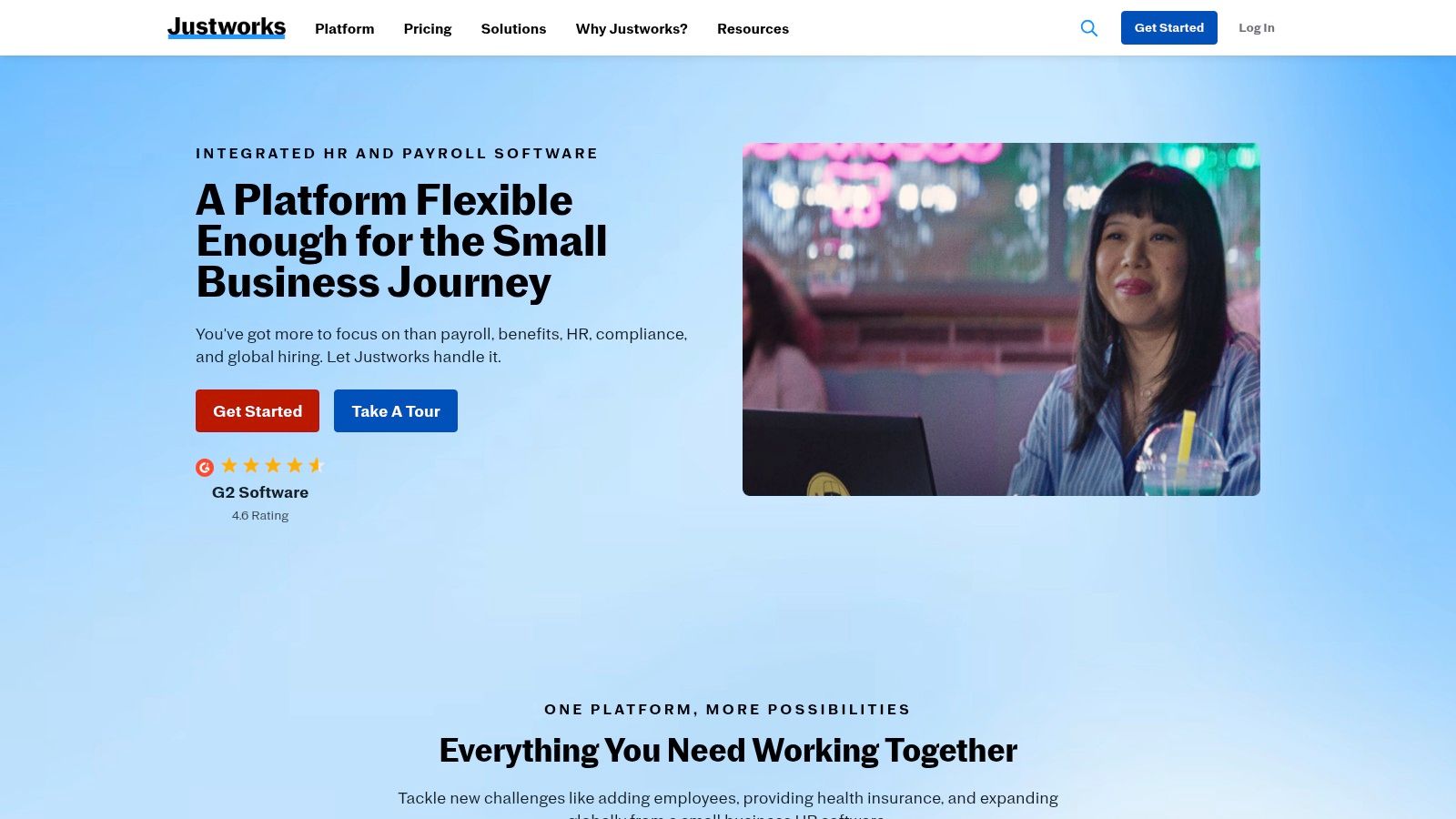
Justworks is a Professional Employer Organization, or PEO, rather than just a payroll application. Its online onboarding and offboarding workflows sit alongside benefits administration, payroll, W-2 and 1099 filings, policy acknowledgments, and document storage under a co-employment model.
The job it removes
Justworks is aimed at lean teams that don't want to manage every payroll, benefits, and HR administration task internally. The PEO structure can offload substantial operational work, while the online workflow gives employees a central place to complete documents and acknowledgments. Guidance on I-9 and new-hire steps is available through the Justworks Help Center.
That boundary should be made explicit during vendor selection. Justworks can reduce the number of internal handoffs, but it doesn't turn the employer's responsibilities into a generic form submission. The employer still needs to understand who completes each I-9 step, who retains records, and how exceptions are handled.
PEO versus standalone HRIS
The main trade-off is the co-employment relationship. Some startups value the administrative support and benefits infrastructure. Other companies, especially those with established internal HR, payroll, or legal operations, may prefer a non-PEO HRIS that leaves more control in-house.
Justworks publishes pricing pages, although rates vary by headcount. That makes initial budgeting more transparent than quote-only systems, but the decision should include the cost and strategic implications of the PEO model. For equipment and merch, define whether the employer or the PEO owns employee preference data, shipping addresses, and fulfillment approvals. A PEO can coordinate employee administration, but it shouldn't automatically own every operational workflow connected to the employee record.
8. Deel
Deel is designed for organizations that hire across employment models and geographies. It supports US payroll with digital I-9 collection, offers US PEO services, and provides global Employer of Record services for international employees. Contractors, US employees, and international hires can therefore enter related onboarding workflows through one platform, although the available functions depend on the service type.
The geography question
Deel's main value is not that one form works everywhere. It's that the platform can support different legal and payroll arrangements within a centralized document and compliance experience. For US employees, that can include W-2, W-4, state payroll filings, and I-9 collection. For international hires, local contracts and country-specific onboarding replace the US form set.
People Ops teams should avoid building a universal packet that asks every worker for the same sensitive identifiers. A global onboarding process needs country-specific field logic, separate consent, and data minimization. MangoApps' new-hire form guidance highlights the importance of collecting only necessary personally identifiable information, separating consent from other requests, and making employee-facing forms accessible.
A broad platform with service boundaries
Deel publishes pricing for US PEO and EOR services, which can help teams compare service models. But the scope varies between HRIS, US Payroll, PEO, and EOR offerings. A feature available to an EOR employee may not be available to a contractor or an HRIS-only customer.
That distinction matters for downstream workflows. A completed address or sizing preference may support a welcome-kit order, but People Ops must confirm who can access it and whether local shipping, returns, and tax treatment are supported. Deel is most useful when the hiring model is genuinely international or mixed. It may be more platform than a US-only SMB needs.
9. Greenhouse Onboarding
Greenhouse Onboarding, also known as Welcome or Onboarding within the Greenhouse ecosystem, focuses on the handoff from recruiting to employee onboarding. It adds structured tasks, timed electronic-signature requests, configurable fields, and forms after offer acceptance.
The job it solves
Greenhouse is valuable when the recruiting team already uses Greenhouse Recruiting and wants to preserve data continuity after the offer is accepted. Instead of copying the candidate's details into a separate onboarding spreadsheet, the organization can create timed requests and show forms to the right hire. Custom fields can use validation rules, including patterns for IDs or codes, to reduce formatting errors.
This is particularly useful for non-payroll onboarding information. A People Ops team can collect preferred name, work location, manager, equipment needs, or a kit preference without forcing the recruiting team to maintain another intake form. Visibility controls help prevent every employee from receiving every field.
Know where compliance lives
Greenhouse isn't a complete replacement for a payroll or HRIS compliance engine. I-9 and E-Verify execution typically requires an integration with the HRIS or payroll provider. That makes Greenhouse a strong orchestration and continuity layer, but the compliance boundary must be documented before launch.
Pricing is quote-based and generally tied to Greenhouse Recruiting as an add-on. Teams should map the handoff carefully: which system owns the legal form, which system stores the audit record, and which system triggers IT or merch fulfillment. This employee onboarding kit guide can help teams separate the employee-facing preference step from the operational kit process.
10. OnPay
OnPay is an SMB-focused payroll platform with straightforward employee onboarding. It supports electronic I-9 and W-4 signatures, offer letters, direct deposit setup, employee document storage, and state new-hire reporting. A default checklist can include supervisor review for I-9 Section 2.
A concise payroll-centered workflow
OnPay is a good fit when the business needs reliable employee self-service without the breadth of a full enterprise HCM. The employee can complete core tax and eligibility documents, set up direct deposit, and sign an offer letter in a connected workflow. The supervisor review step is useful because I-9 completion isn't only an employee task.
Its automated state new-hire reporting and document storage can also reduce repetitive payroll administration. For a small team, that may matter more than a large catalog of configurable onboarding experiences.
Where it stops
OnPay offers transparent base and per-employee pricing, which makes it easier for SMB buyers to forecast costs. More advanced HR functions require an HR add-on, and the platform is lighter than larger HCM suites for complex enterprise processes.
The same boundary applies to equipment and merch. OnPay can establish the employee record and payroll details, but a company may need another workflow to collect size, fit, delivery preferences, or kit choices. Keep those fields separate from tax and identity records, then send only the approved fulfillment data to the responsible operator. OnPay is strongest when the goal is a simple payroll onboarding foundation, not a global employee experience platform.
Employee Onboarding Forms, Top 10 Platform Comparison
| Product | Core compliance & features | UX / Quality (★) | Pricing / Value (💰) | Target audience (👥) | Unique selling point (✨ / 🏆) |
|---|---|---|---|---|---|
| Gusto | W‑4 & I‑9 e‑sign, employee self‑service, benefits/time integrations | ★★★★ | 💰 Tiered; per‑head + add‑ons | 👥 Startups & SMBs | ✨ Guided self‑onboarding; low admin |
| Rippling | E‑signature packets, remote I‑9 tasks, device & app provisioning | ★★★★ | 💰 Modular; quote for modules | 👥 Mid‑market → Enterprise | 🏆 HR + IT automation tied to hire events |
| BambooHR | E‑sign packets, configurable workflows, Mitratech I‑9/E‑Verify add‑on (US) | ★★★★ | 💰 Base + I‑9/E‑Verify add‑on | 👥 SMBs & mid‑market | ✨ Native I‑9/E‑Verify automation (US) |
| ADP Workforce Now | Digital I‑9/W‑4, fillable forms, marketplace for compliance apps | ★★★★ | 💰 Quote‑based; add‑ons can increase cost | 👥 SMB → Enterprise | 🏆 Extensive jurisdictional coverage & ecosystem |
| Paycom | I‑9 & W‑4 e‑sign, native E‑Verify, compliance dashboards | ★★★★ | 💰 Quote‑based | 👥 Compliance‑forward orgs & enterprises | ✨ Strong audit trails & security posture |
| Paylocity | Centralized I‑9/W‑4, E‑Verify, guided wizards, engagement tools | ★★★ | 💰 Sales/quote pricing | 👥 Mid‑market companies | ✨ Onboarding wizards + employee engagement |
| Justworks (PEO) | Online onboarding, docs & Help Center guidance, PEO payroll/benefits | ★★★ | 💰 Published PEO rates (varies) | 👥 Small teams preferring co‑employment | 🏆 Offloads HR admin via PEO model |
| Deel | Digital I‑9 (US), automated filings, US PEO & global EOR services | ★★★★ | 💰 Transparent PEO/EOR pricing; service‑dependent | 👥 Global hires, contractors & US employees | ✨ Single platform for contractors + EOR |
| Greenhouse Onboarding | Timed e‑signs, custom fields, ATS→onboarding continuity | ★★★★ | 💰 Add‑on to Greenhouse; quote | 👥 Recruiting‑heavy teams using Greenhouse | 🏆 Smooth handoff from Recruiting → Onboarding |
| OnPay | I‑9/W‑4 e‑sign, new‑hire packets, state reporting, doc storage | ★★★★ | 💰 Transparent base + per‑employee | 👥 Small businesses / SMBs | ✨ Predictable pricing & simple payroll/onboarding |
Turn Completed Forms Into a Reliable Day One
The best employee onboarding forms system isn't the one with the longest packet. It's the one that collects required information at the right time, keeps sensitive data within the correct compliance boundary, and turns approved data into useful action without creating duplicate work.
Start by mapping forms by employee type and region. A US employee, an international employee hired through an EOR, a contractor, and a temporary worker may not need the same documents or disclosures. In the US, Form I-9 and Form W-4 form part of the core federal paperwork, but state tax and new-hire reporting requirements can add local variation. Keep the source of each requirement documented, and don't assume that a vendor's US workflow applies to global hires.
Next, separate legally required documents from company requests. Identity verification, tax withholding, and benefits enrollment may have formal requirements or deadlines. An emergency contact, handbook acknowledgment, equipment agreement, or merch preference may serve an important operational purpose, but it doesn't belong in the same category. This distinction makes employee communications clearer and helps privacy reviews focus on the fields that actually need sensitive data.
Assign an owner and deadline to every step. People Ops may own the packet, Payroll may own tax setup, Benefits may own elections, IT may own device provisioning, the manager may own role-specific training, and a merch operations partner may own kit fulfillment. Use reminders and exception queues, not informal follow-up messages. Where benefits enrollment has a typical 30-day window and the Affordable Care Act requires a Notice of Coverage Options within 14 days of a new hire's start date, HR Cloud's onboarding paperwork reference shows why timing should be built into the workflow rather than tracked in a separate calendar.
Then test the entire path with realistic records. Send signatures, trigger reminders, change a start date, leave a form incomplete, correct an address, and review the audit trail. Confirm who can access I-9 records, whether a manager can see information they don't need, and whether the system preserves the original submission and later changes. Review the workflow with qualified local counsel, especially when hiring across countries or jurisdictions.
Add equipment requests, benefits choices, policy acknowledgments, and merch preferences only after defining data ownership and fulfillment triggers. A completed employee preference form can pass approved sizing, fit, shipping address, department, and budget information to a merch workflow. The merch operator can then manage curation, sizing review, budget approval, brand review, manufacturing, fulfillment, shipping, and returns without making the HR form responsible for inventory or production details.
For teams using a merch operations partner, FLYP LTD can connect onboarding experiences with employee-choice kit workflows. Its digital onboarding portal brings forms, role expectations, videos, checklists, and introductions together, while self-serve sizing links can accompany an offer letter or welcome email. An HRIS-triggered new-hire record can then support kit ordering, with FLYP managing curation, quality assurance, logistics, budgeting, brand safety, manufacturing, fulfillment, shipping, customer service, and returns as a managed service.
Pilot the process with one employee group before rolling it out company-wide. Measure completion and exception rates qualitatively at first if the baseline is unclear, then investigate where employees abandon forms, where managers miss tasks, and where downstream teams still re-enter data. Revisit regional requirements and vendor capabilities as rules and product scopes change. A workflow that works for a small US hiring group may need different consent, accessibility, storage, and fulfillment logic for a global workforce.
The most scalable design is often a shorter form, not a more detailed one. Collect the minimum necessary information, separate consent from operational requests, use accessible employee-facing forms, and stage feedback through preboarding and later check-ins instead of forcing every question into the first packet. HiBob's onboarding documents guidance describes the shift toward preboarding questionnaires and repeated onboarding surveys, including feedback across the first 90 days. That staged approach helps People Ops discover role clarity, tooling, and manager-readiness problems that a static form can't reveal.
FLYP LTD helps People Ops teams connect employee onboarding forms with branded, employee-choice kits, from sizing and address capture through curation, approvals, manufacturing, fulfillment, shipping, and returns. Visit FLYP LTD to explore a managed merch workflow that can turn a completed new-hire record into a more reliable first-week experience.